


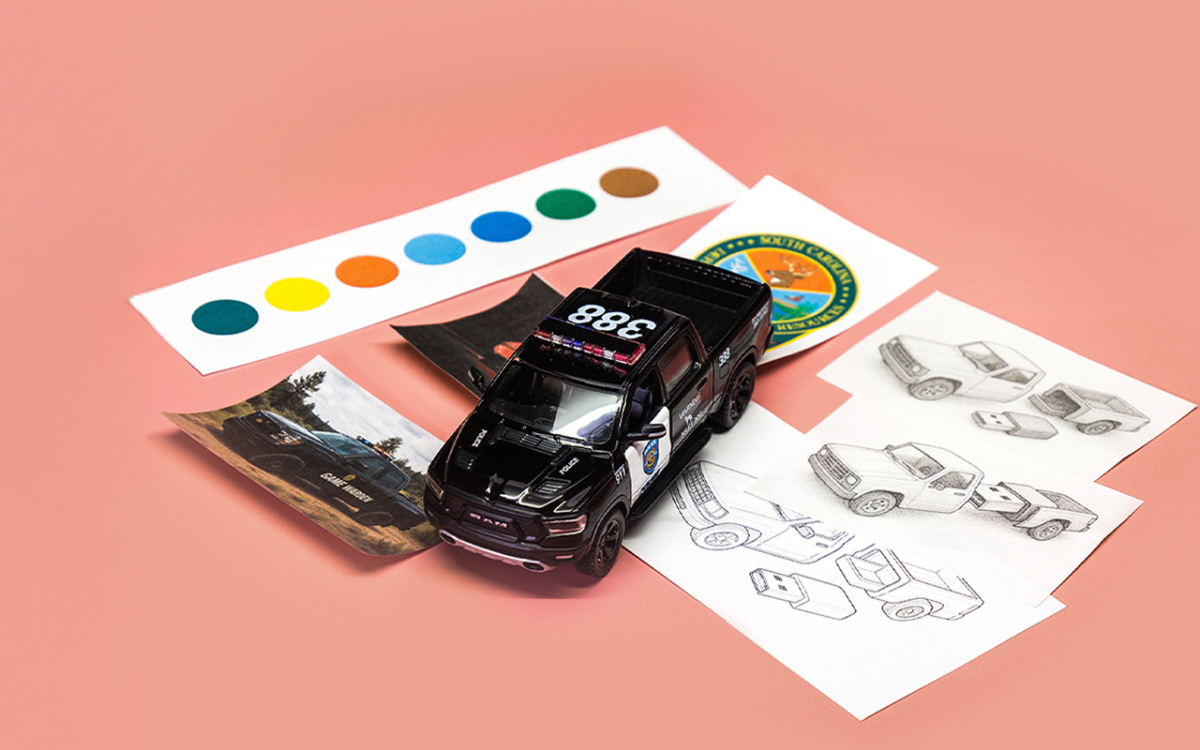
Custom Shaped USB Drives – Unique Branding for Your Business
Learn the difference between branded and fully custom USB drives, and why EveryUSB delivers better results with creative, durable, guided solutions.
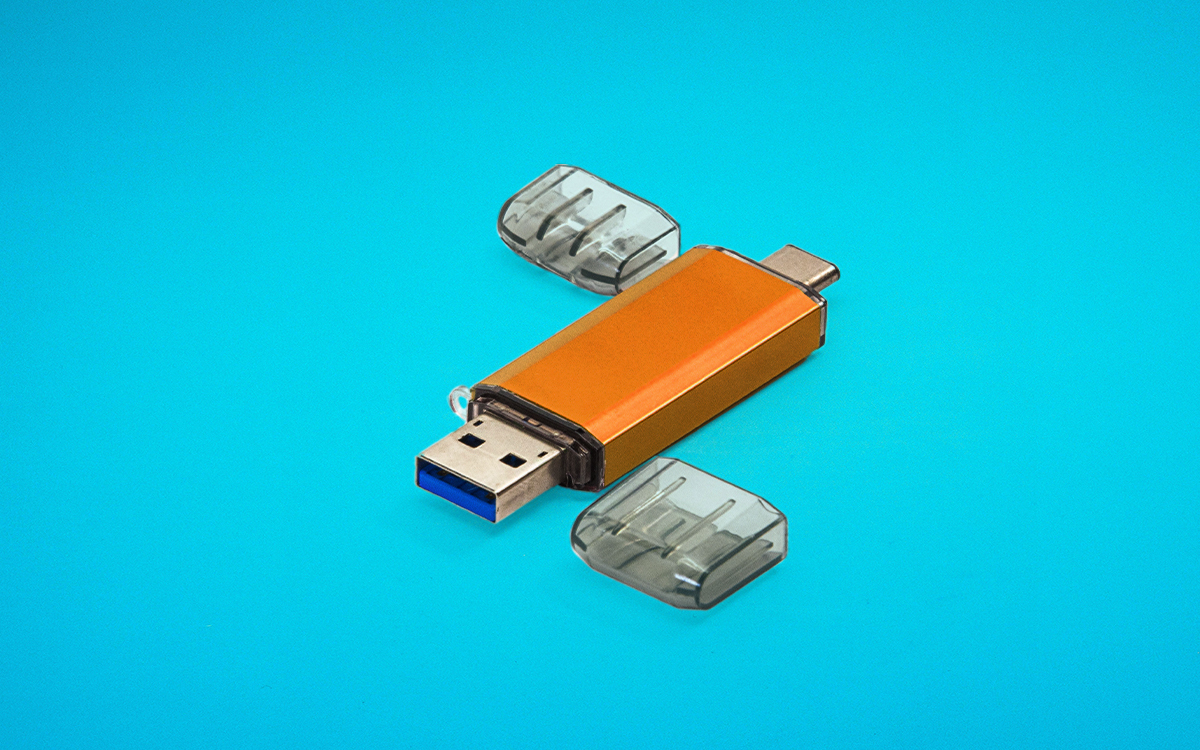
USB-C vs USB-A: What’s the Difference?
Learn the difference between USB-C and USB-A. Compare speed, compatibility, use cases, and find the right USB drive for your device or business.

Artwork Best Practices
Want your custom USB designs to print crisp and clean? Learn how to upload artwork and images to your EveryUSB in optimal formats to ensure stunning, high-quality prints. This guide walks you through best practices for file setup, embedding fonts, and working with both raster (like PNG or JPEG) and vector (like AI or PDF) files to ensure your designs print exactly as intended.

Data Best Practices
Getting your files organized before sending them our way makes a big difference in how smoothly your project goes—and helps us get everything just right. This guide walks you through how to set up a master folder, organize multiple versions, name your files clearly, and even control how they appear on your flash drives. A few simple steps now can save a lot of time (and confusion) later.